

-
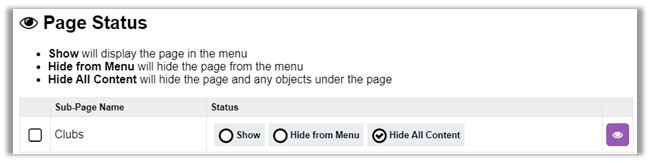
Do not publish blank pages
-
If your drop down menu is already getting too long, don’t include two separate entries for items like Code of Conduct that go directly to either the English or Spanish versions as shown below:
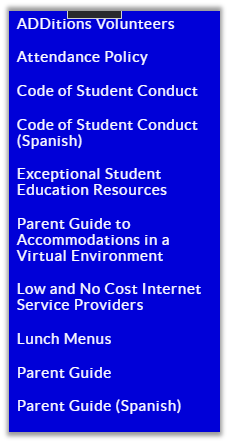
Rather, point to the district page that links to all the available languages so as not to ‘limit’ the language versions to just English and Spanish.
Code of Conduct:
Parent Guide:
https://www.ocps.net/departments/marketing_and_events/publications/parent_guide
NOTE: if you are pointing directly to only the English language version of either of these two documents, please consider pointing instead to one of the above links to give site visitors/parents the option of how they see the Code of Conduct or Parent Guide.
-
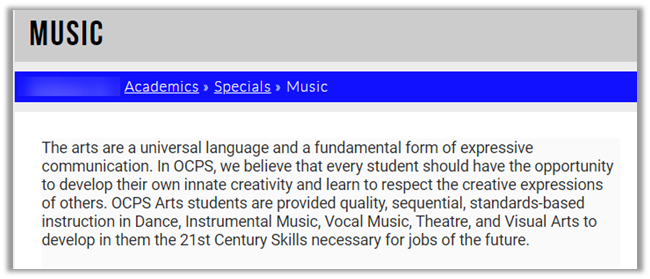
Do not copy and paste content from some other editor. It not only leaves a large amount of formatting tags that are not needed and difficult to read through but may change the colors of the text or background. Note in the following image that background color is not white or none. The preference is none just in case the district decides in the future to globally change the background color.
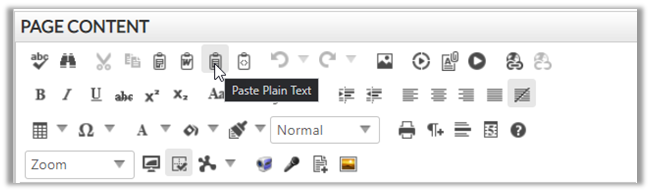
Use the Paste as Plain Text to add text to a content area.
-
Make sure all of the links on your site have alt-text (and not just the word ‘link’) It must be meaningful. For example, the following shows a link with no Alt-text. Also within a page, the links should all be unique unless they point to exactly the same page/document.
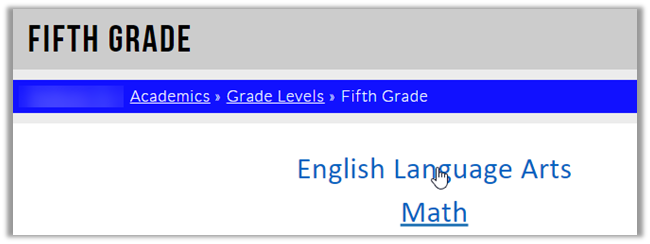
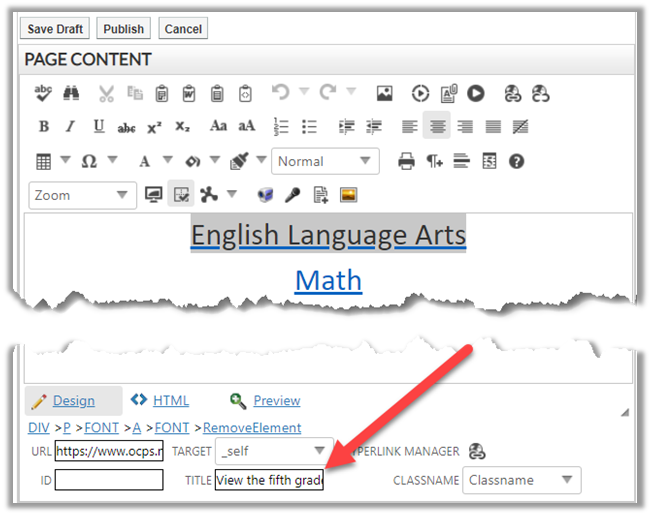
Edit the content web part and click on the link while in edit. You should see at the bottom of the edit dialog the properties (if you do not, send an email to Michael.antonovich@ocps.net with the name of your school/site). You can type in appropriate alt-text as shown in the following image:
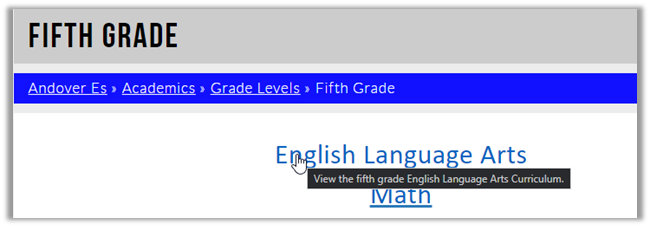
After the page is published, the alt-text should appear when you hover over the link.
-
Display of times must be in the format:
10:30 am / 10:30 AM
or
2:20 pm / 2:20 PM
Note the space between the time and am/pm. Never format times as: 10:30am or 2:20pm.
If you have a link on the page. Make sure that it is clickable. Web site visitors expect obvious links to be clickable. The following is not acceptable:

Make the url clickable:

Also consider whether the actual URL should be displayed. Consider whether anyone would really care about the URL much less attempt to write it down such as the following:

A much better version of this paragraph might emphasize the link rather than an extremely complex URL that no site visitor really cares about.

More coming in the future.